There’s a new real deadline in federal regulation for public schools — and unlike the typical “guidelines” that float around education technology, this one actually has a date and a penalty.
If your school district has not already internalized that digital accessibility isn’t just a nice-to-have, now is the moment.
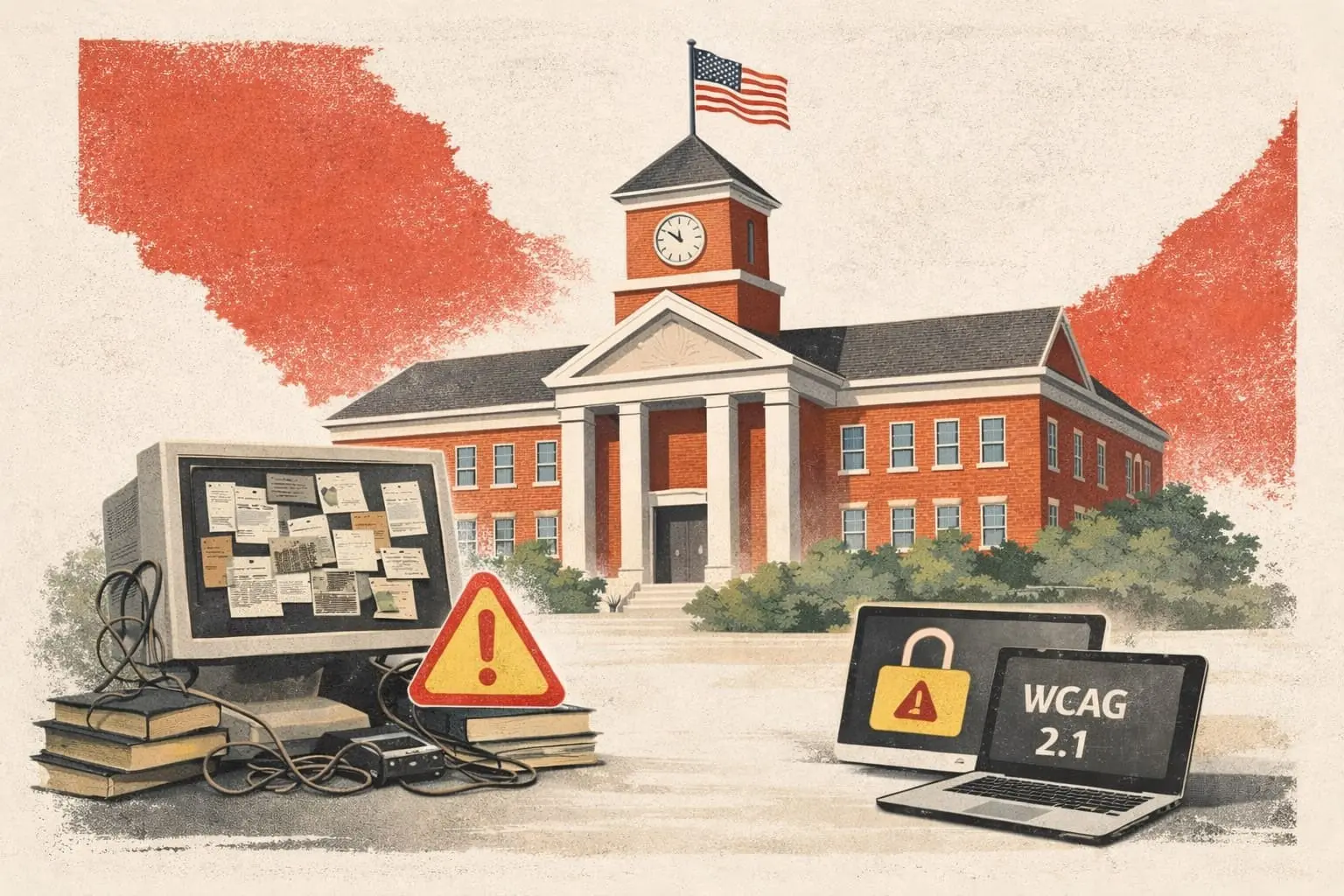
Here’s the blunt truth: if you operate a public school website, mobile app, or any digital service on behalf of your district or institution, you’re on the hook under federal civil-rights law to make that content usable by people with disabilities. The technical benchmark for that usability is Web Content Accessibility Guidelines 2.1, Level AA (WCAG 2.1 AA).
What Changed
Technically, the law didn’t change overnight — the Americans with Disabilities Act (ADA) has applied to state and local government programs since the 1990s. But in April 2024, the U.S. Department of Justice (DOJ) issued a final rule that finally put specific technical standards and deadlines on the table. WCAG 2.1 AA is now the federal baseline for school and government digital services.
That’s a big deal because “ADA compliance” used to be interpreted loosely. Now there’s an explicit and defined technical standard — and a requirement to meet it.
Think of this as the digital equivalent of wheelchair-accessible ramps: the DOJ just told every school district exactly how steep that ramp has to be.
The Deadlines (and Why They Matter)
The short version is:
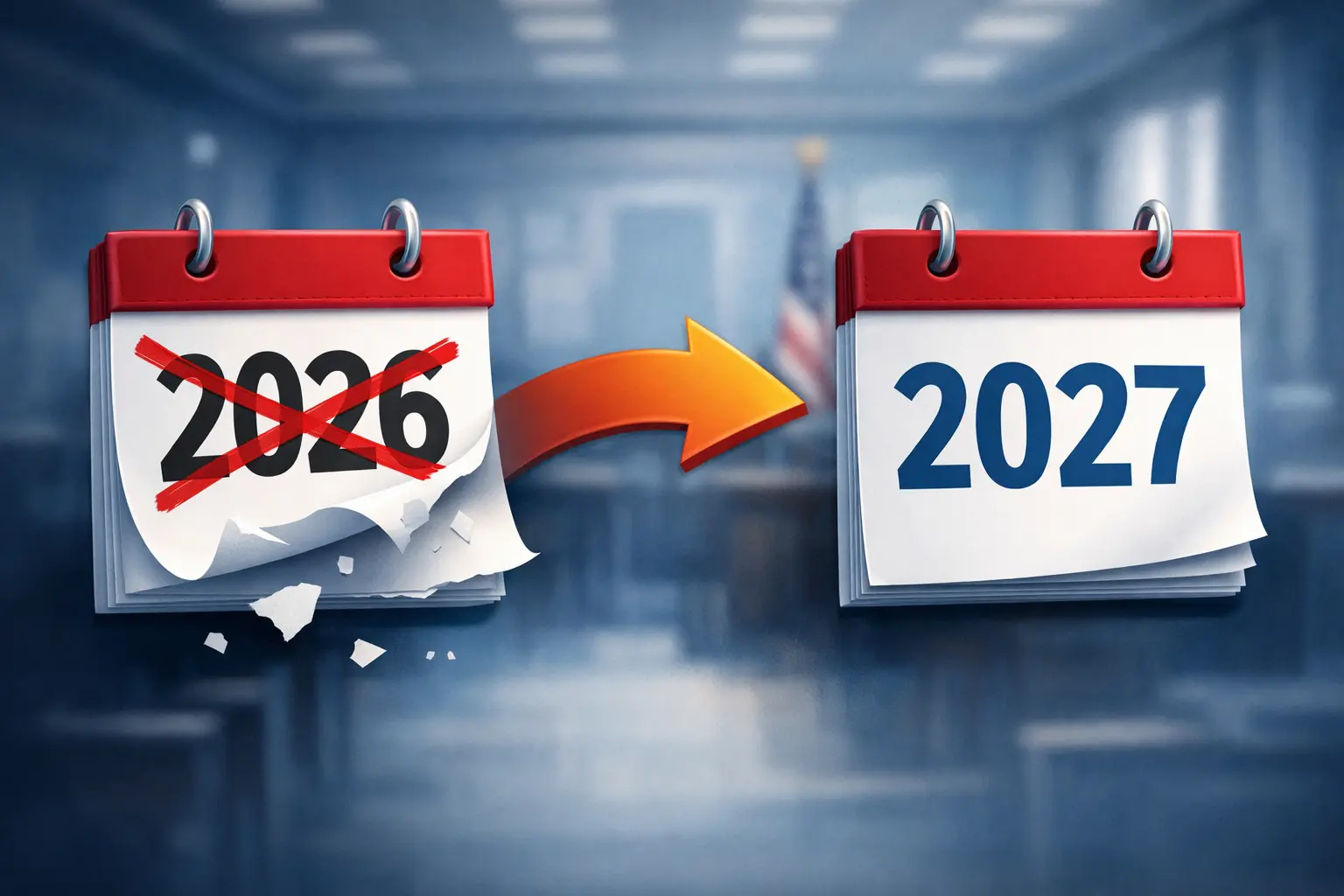
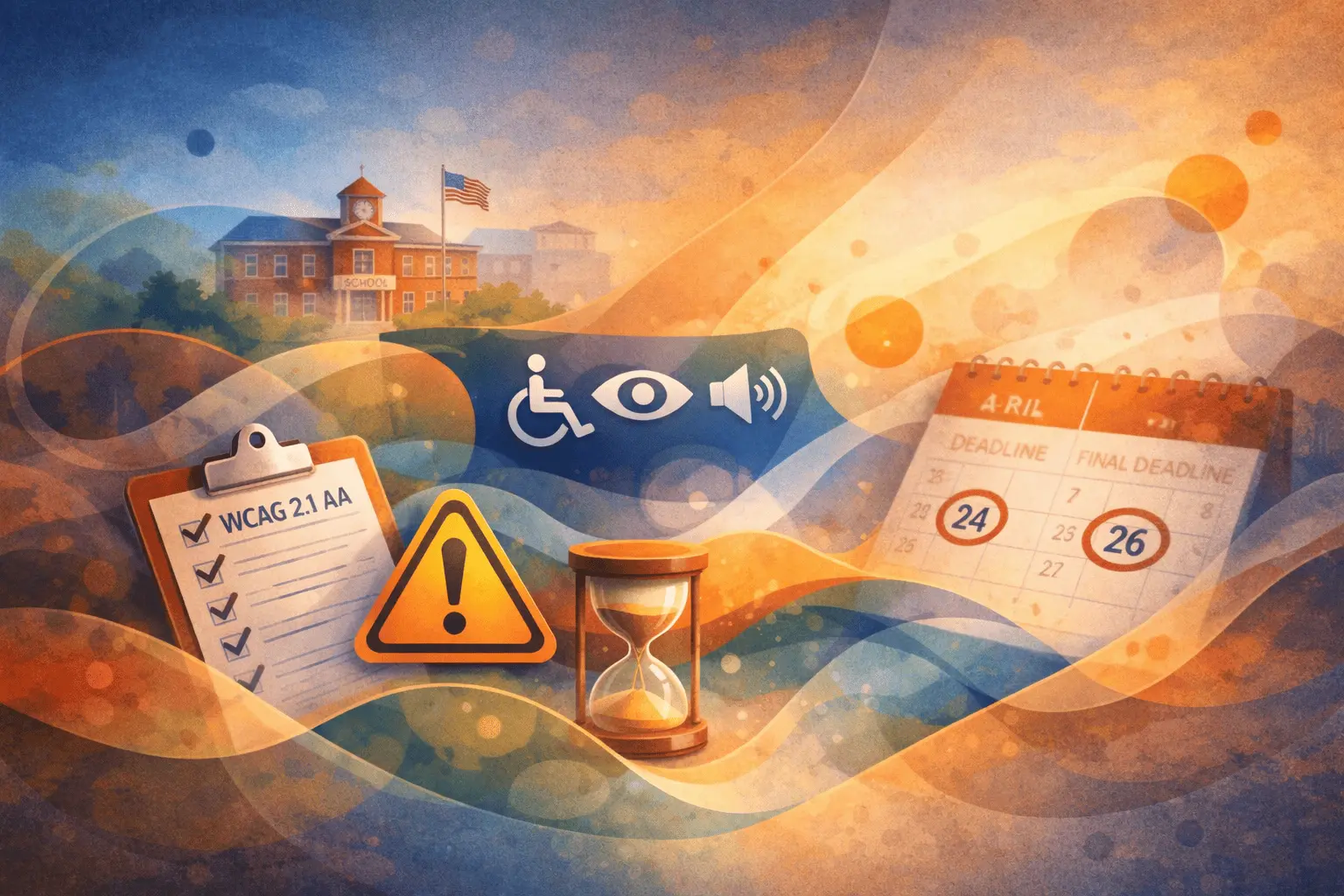
- April 24, 2026: All public entities serving a population of 50,000 (which includes many urban and suburban school districts) must be fully compliant with WCAG 2.1 AA.
- April 26, 2027: A grace period for smaller districts and special district governments (i.e., those in jurisdictions under 50,000 people).
Those deadlines apply to every part of your digital presence that prospective students, parents, teachers, and the public interact with — not just the “main” website:
- Websites and webpages (news, calendars, staff directories)
- Interactive forms (enrollment, meal applications)
- Downloadable content (PDFs, slides, brochures)
- Videos and live streams (captions required)
- Mobile apps and portals
- Learning platforms and parent/teacher communications
- Social media where you present official district information
That’s extensive, and the first deadlines are already less than a year away for large districts.
Not Just a Checklist — It’s a Legal Mandate
A lot of accessibility talk ends at “we should be inclusive.” That’s lovely. This is not lovely. It’s enforceable federal regulation.
Failing to meet these standards means:
- DOJ enforcement actions
- Federal investigations triggered by complaints
- Potential legal liability and mandated remediation
- Public perception issues around equity and inclusion
It’s no longer theoretical. It’s a civil-rights obligation.
Practical Reality: It’s Too Big To Bolt On
If you’ve waited until now, you’re not alone. Many school IT shops treated accessibility like a distant future project — a PR bullet point rather than an engineering deadline.
Here’s the hard part many districts don’t want to hear:
Accessibility isn’t a checkbox you run once. It’s a continuous engineering discipline.
Adding alt text to images or improving contrast ratios are easy things you can fix in a day. But system-wide compliance across legacy systems, LMS platforms, mobile apps, portals, and third-party vendors takes months — not weeks — of coordinated work. And that’s before you consider testing with actual assistive tech users.
Moreover, if you contract with vendors — whether for your website, your SIS, your apps, or your scheduling systems — your district is still liable if their product doesn’t meet WCAG standards. Legally, it doesn’t matter who built it; it matters who provides it.
So What Should Schools Actually Do Right Now?
If you’re reading this and thinking “great, another thing on the plate,” then good — you’re in the right mindset for action.
Here’s a practical, prioritized roadmap:
-
Inventory Everything
Make a comprehensive list of all digital properties — websites, pages, apps, third-party platforms, learning tools, and associated content types. -
Audit Before You Fix
Automated scanners catch maybe 30% of issues. Human testing with assistive technologies matters. Build a schedule of testing, remediation, verification, and documentation. -
Vendor Contracts = Your Risk
Review every vendor agreement to ensure accessibility requirements are explicit and enforceable. -
Prioritize Critical Paths
Start with the systems people must use: enrollment systems, parent portals, mobile apps, student communications. -
Build for Ongoing Maintenance
Accessibility isn’t an event; it’s a process. Build checks into your deployment pipelines and content workflows.
If You Still Haven’t Started: This Year Is the Year
For large districts with April 2026 deadlines, spring 2026 will be less than 18 months from now. That’s a real project timeline. Smaller districts still have just over two years.
But “just” is deceptive. Remediating complex digital ecosystems requires cross-departmental coordination, budget allocation, vendor management, and iterative testing — all of which take months of planning before engineers write a line of code.
So the wise and pragmatic thing isn’t to wait for the deadline — it’s to act like it’s already here.
Because in practice, if you wait until next year, you won’t be thinking about compliance — you’ll be scrambling to explain why your district isn’t compliant as deadlines loom and stakeholders ask uncomfortable questions.
And nobody wants that meeting.
Ready to Get Ahead of the Deadline?
Waiting doesn't make compliance easier — it just makes the scramble worse. The districts that start now will be the ones calmly checking boxes in 2026, not frantically explaining gaps to stakeholders.
- Get a clear picture of where you stand
- Build a realistic remediation plan
- Avoid last-minute chaos
Schedule a consultation to assess your district's accessibility posture and start building toward compliance — before the deadline builds toward you.