The new WCAG accessibility guidelines will significantly change how teachers create, share, and manage digital materials in schools. For teachers, accessibility will no longer be optional or handled only by IT—it will become a required part of daily instructional work under ADA Title II.
Understanding what this means early gives schools time to prepare without overwhelming teachers or disrupting instruction.
What Are the New Accessibility Guidelines for Schools?
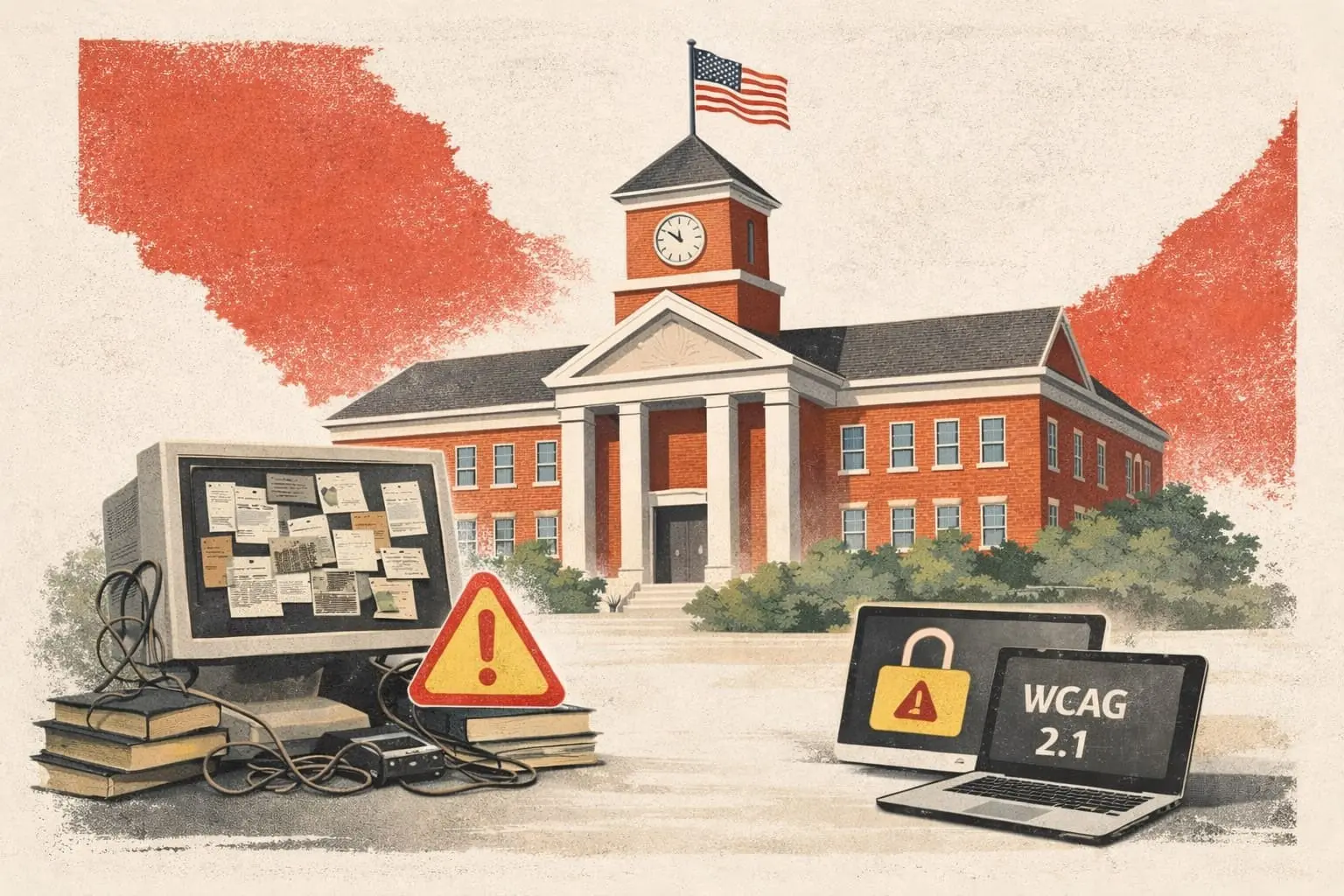
The updated federal rule requires schools and public institutions to ensure that all digital content meets WCAG 2.1 AA standards. This requirement applies broadly and includes teacher-created instructional materials.
For teachers, this means accessibility applies to:
- PDFs and handouts
- Google Docs and Word files
- Slide decks and presentations
- Images, charts, and embedded media
- LMS content (Canvas, Google Classroom, Schoology, etc.)
The official Department of Justice rule outlining these requirements can be found here: DOJ Web Accessibility Rule – March 2024
In practice, anything shared digitally with students must be accessible.
How Accessibility Changes a Teacher's Day-to-Day Work
Before the New Guidelines
Historically, teachers could:
- Create materials quickly
- Upload documents without accessibility checks
- Assume compliance was limited to district websites
Under the New Guidelines
Teachers may now be expected to ensure that materials:
- Use proper heading structure
- Have readable color contrast
- Include alt text for images
- Avoid scanned or image-only PDFs
- Work with screen readers and keyboard navigation
Without support, this introduces technical steps into everyday teaching tasks.
Why Manual Accessibility Is Not Realistic for Teachers
Accessibility remediation is:
- Technical and detail-oriented
- Time-consuming when done manually
- Inconsistent across staff without deep training
- Extremely difficult to scale district-wide
Most teachers are not accessibility specialists, and expecting them to manually remediate every document is unrealistic. Importantly, the legal responsibility still sits with the district, regardless of who created the content.
A Practical Early-Action Plan for Schools
Step 1: Acknowledge That Teacher Content Is In Scope
The most important early step is alignment. Schools must recognize that teacher-created materials are included in accessibility requirements—not just public-facing web pages.
This clarity prevents confusion and last-minute policy changes later.
Step 2: Understand the Scope of Existing Content
Districts should take stock of:
- Where instructional content lives
- Which file types are used most often
- How much legacy content exists in LMS platforms
This helps identify where risk is highest.
Step 3: Remove Accessibility Work from Teachers' Plates
Rather than turning teachers into accessibility experts, schools should focus on centralized and automated solutions that handle remediation behind the scenes.
This approach:
- Preserves instructional time
- Ensures consistency
- Reduces human error
- Builds teacher trust
Step 4: Plan for Ongoing Compliance
Accessibility is not a one-time fix. New content is created every day.
Schools need systems that:
- Check new materials automatically
- Address issues before students access content
- Maintain compliance as materials change
Early planning avoids future fire drills.
Step 5: Communicate Clearly with Teachers
Teachers should hear a simple, reassuring message:
"You can keep teaching the way you teach. Accessibility will be handled for you."
Clear communication reduces anxiety and increases adoption.
What This Means for School Leaders
For administrators, this shift is operational rather than instructional. The goal is to ensure compliance without increasing teacher workload.
Schools that prepare early will:
- Avoid rushed remediation efforts
- Reduce legal and funding risk
- Protect teacher morale
- Ensure equitable access for all students
How ClearLinks Helps Schools Prepare Early
ClearLinks is designed specifically for schools navigating these new requirements. Our platform automatically identifies and remediates accessibility issues across teacher-created materials, ensuring WCAG 2.1 AA compliance without changing how teachers work.
Accessibility should operate quietly in the background—supporting teachers, not slowing them down.
Ready to create an early, teacher-friendly accessibility plan? Contact ClearLinks to get started.