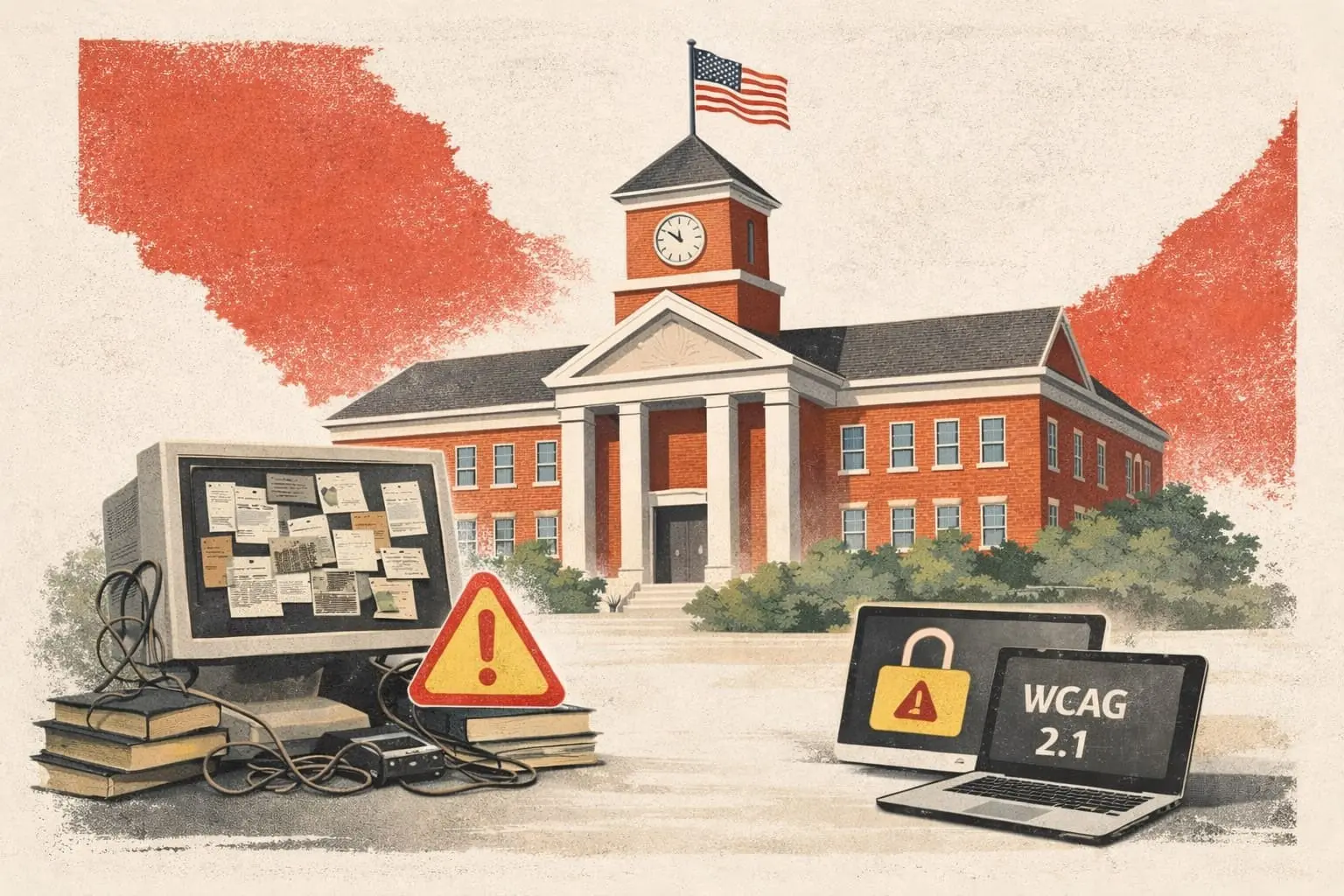
Many school districts initially assume WCAG compliance can be handled manually through training, checklists, or asking teachers and staff to “fix things as they go.” While this approach may seem reasonable on paper, it consistently fails at scale.
This article explains why manual accessibility remediation breaks down in school environments and why districts need a more systematic approach.
The Scale Problem Schools Face
School districts produce an enormous volume of digital content every day. This includes:
- Teacher-created instructional materials
- PDFs, slides, worksheets, and assessments
- LMS content updated throughout the year
- Parent communications and forms
- Department and school-level resources
Even small districts may have tens of thousands of documents in circulation. Large districts often have hundreds of thousands.
Manual remediation simply cannot keep up with this scale.
Accessibility Is Highly Technical
WCAG compliance requires attention to technical details that are not intuitive for most users.
Common Technical Requirements
Manual remediation often involves:
- Proper heading structure and document tagging
- Logical reading order for screen readers
- Correct use of alt text
- Color contrast ratios
- Keyboard navigation and focus order
These are not skills most educators or administrators are trained in, nor should they be expected to master them.
Inconsistent Results Across Staff
When accessibility is handled manually by individuals, results vary widely.
Uneven Quality
Some staff may do a thorough job, while others may miss critical issues entirely. This inconsistency creates gaps in compliance that are difficult to detect until a problem arises.
High Risk of Human Error
Even well-trained staff can make mistakes, especially under time pressure. Manual processes rely on perfect execution every time, which is unrealistic in a school setting.
Training Alone Is Not Enough
Many districts attempt to solve accessibility through professional development sessions. While training is valuable for awareness, it does not guarantee compliance.
Training does not:
- Fix existing content at scale
- Catch issues in newly created materials consistently
- Ensure ongoing compliance throughout the year
Without supporting systems, training becomes a liability rather than a solution.
The Hidden Cost of Manual Remediation
Manual accessibility efforts often shift work onto teachers and staff.
Increased Teacher Workload
Teachers may be asked to revisit old materials, rebuild documents, or learn technical tools during the school year. This reduces instructional time and increases frustration.
Administrative Overhead
Administrators must track compliance, answer questions, and resolve issues manually. This creates ongoing operational strain.
Why Manual Approaches Increase Legal Risk
Manual remediation creates compliance gaps that are difficult to monitor. Districts may believe they are compliant while inaccessible content continues to circulate.
When complaints arise, districts relying on manual processes often struggle to demonstrate consistent compliance efforts.
What Works Better at Scale
Districts that successfully maintain WCAG compliance take a different approach.
Centralize Accessibility Responsibility
Accessibility is treated as district infrastructure, not an individual task. This ensures consistency and accountability.
Automate Remediation Where Possible
Automation allows districts to:
- Scan large volumes of content quickly
- Fix issues consistently
- Maintain compliance as new materials are created
This approach reduces reliance on perfect human execution.
How ClearLinks Can Help
ClearLinks replaces manual remediation with an automated, scalable approach to WCAG compliance. Our platform continuously identifies and fixes accessibility issues across district digital content, without adding work for teachers or administrators.
Accessibility should be reliable, consistent, and built into your systems.
Ready to move beyond manual remediation? https://clearlinks.org/contact